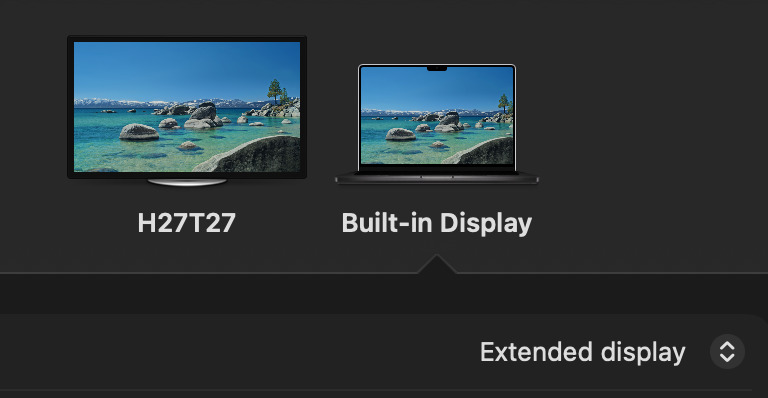
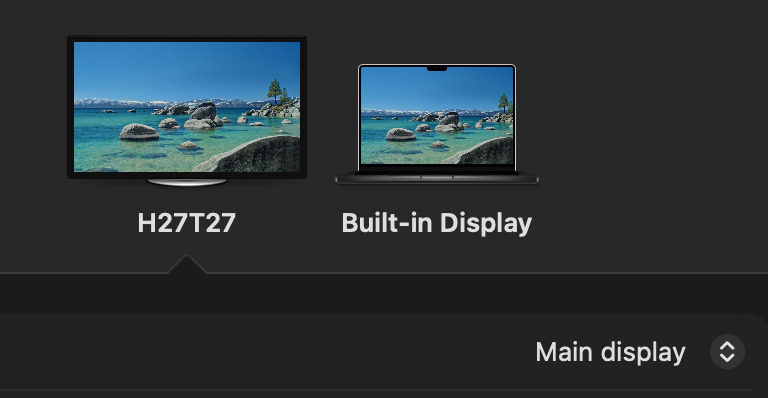
Bug: Floating panels (e.g. the Border Settings or Export Settings) go offscreen when external monitor is connected exactly as described. Sketch Beta, Version 2025.3 (218997)
Steps to Reproduce:
Connect an external monitor to a laptop
In System Preferences → Displays, set the external monitor as the “Main display”
Arrange displays so that the external monitor is positioned above the laptop display
Open Sketch on the laptop screen
Select a frame and click the settings icon next to “Export” (or open any other floating panel)
Actual Result:
The “Export Settings” floating panel appears, but it is offscreen and not visible.
Expected Result:
The “Export Settings” floating panel should appear fully visible on the same screen as the main Sketch window.