Hey there,
Im having an issue with Auto Layout/Stack
So i got an accordion when i resize it it does this

i want to make it like this (did with figma)
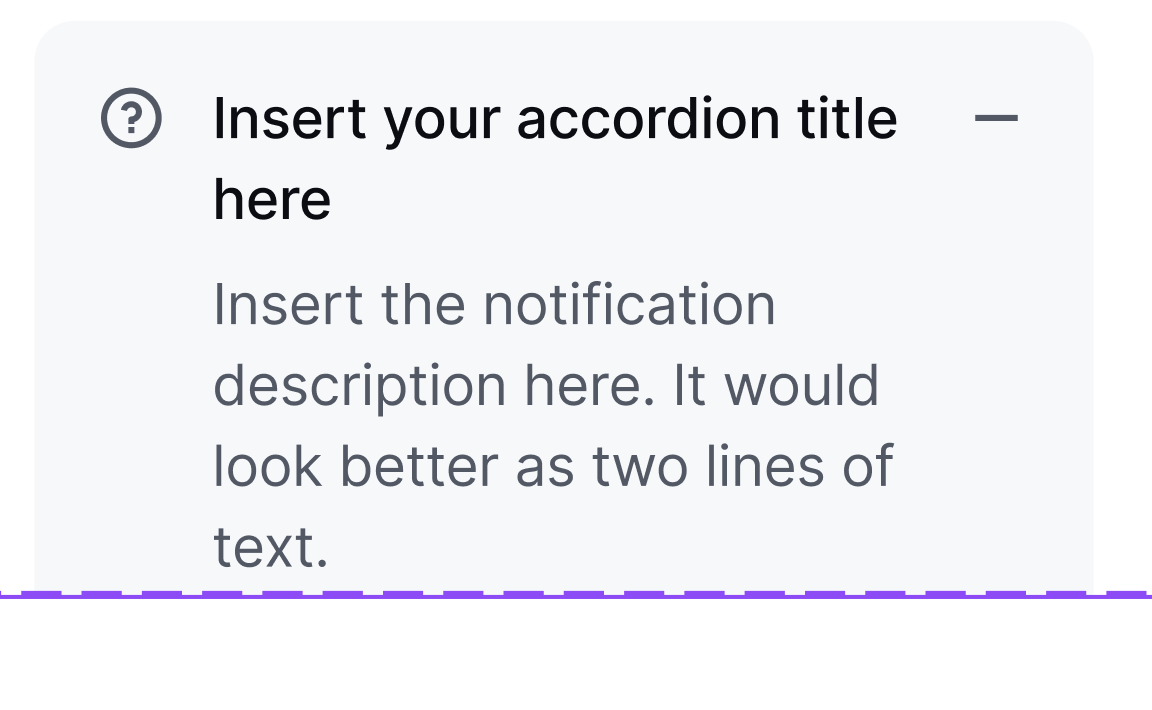
Please Help me.
P.s sometimes auto layout is like this:

somtime like this

Please help thank you <3
Hey there,
Im having an issue with Auto Layout/Stack
So i got an accordion when i resize it it does this
i want to make it like this (did with figma)
Please Help me.
P.s sometimes auto layout is like this:
somtime like this
Please help thank you <3
Hi @wigopaj591 
Could you share with us 2 things:
Send this information to productsupport@sketch.com
We will do our best to help you.
Cheers 
Hey. I see exactly what the issue is. As you point out, sometimes you see two interfaces for layout. One is called “Smart Layout”, the other is just “Layout” AKA Stacks. You want the second option. You can get this by pressing Command L.
If you’re recreating what you made in Figma, you’ll probably be aware you need to nest stacks to get this exact layout. The two text layers should be in a vertical stack, and then the ? icon, text stack, and - icon should be in a horizontal stack.
you need to create 2 stacks
by double-clicking on the border I give the frame a Fit value and it narrows to a given size.
Can u please share with me this file so i can see and try my self thanks <3
stack.sketch (99.5 KB)
FIXED thank you @kozeev <3 i saw that u did FILL here. So that was the problem thanks a lot.
This topic was automatically closed 3 days after the last reply. New replies are no longer allowed.
